
A missed defect, an undocumented change, or a poorly framed video call can delay a decision long after the inspection ends. Knowing how to run remote inspections means creating evidence that allows people who are not on site to assess condition, progress, compliance, and risk with confidence.
For developers, facilities teams, infrastructure agencies, hospitality operators, and project leaders, the objective is not simply to show a location remotely. It is to make the physical environment accessible as a clear, navigable, and defensible digital record. The right approach combines a defined inspection scope, structured capture, live stakeholder review where needed, and documentation that remains useful after the meeting.
Start With the Decision the Inspection Must Support
Remote inspections work best when they begin with a decision, not a camera. A lender may need evidence that a construction milestone has been reached. A facilities manager may need to confirm the condition of mechanical rooms across several cities. An investor may want to review a property before authorizing travel. Each use case requires a different level of detail, access control, and reporting.
Define what the inspection needs to establish: site condition, progress against plan, workmanship, inventory, safety observations, maintenance issues, or handover readiness. Then agree on what counts as sufficient evidence. For example, a general virtual walkthrough may be appropriate for an early property review, while a contractor dispute or donor-funded infrastructure program may require dated captures, repeatable viewpoints, annotated findings, and a formal visual report.
This upfront discipline prevents a common problem: collecting attractive footage that does not answer the questions stakeholders actually have.
Build an Inspection Brief Before Capture
A concise inspection brief gives the field team, client representatives, and remote reviewers a shared reference point. It should identify the site, date, areas to be covered, required viewpoints, known concerns, and expected outputs. Include the latest drawings, schedules, asset registers, or previous inspection records when they are relevant.
For a repeat inspection, use the same zone names and capture sequence each time. Consistency makes it much easier to compare progress between milestones and spot changes that would otherwise be missed.
Where multiple stakeholders are involved, clarify who can observe, who can raise issues, and who has authority to approve a finding. Remote access can broaden participation, but it can also create confusion if every comment is treated as a formal instruction.
How to Run Remote Inspections That Produce Usable Evidence
The most reliable remote inspection process has four connected stages: prepare, capture, review, and document. Each stage protects the value of the next.
1. Prepare the Site and the Route
Before any capture begins, establish safe site access and a practical route. The route should follow the inspection brief rather than whatever is easiest to film. Start with exterior context and access points, then move through the spaces, assets, or work zones in a logical order.
Remove avoidable visual obstructions where possible, such as temporary storage in critical areas, while preserving any conditions that are themselves relevant to the inspection. If a defect, blocked exit, incomplete finish, or damaged asset is part of the finding, it must be recorded in context rather than cleaned away for presentation.
For sensitive facilities, establish privacy and security requirements in advance. That may include restricting access to selected viewers, excluding confidential screens or documents from capture, and defining how long files will be retained. A digital inspection record is valuable precisely because it can be shared, so access governance matters.
2. Capture More Than a Video Feed
A live smartphone video call can be useful for a quick check, but it has limits. Connection quality varies, the operator may miss a detail, and viewers cannot reliably revisit a location once the call ends. For decisions with financial, operational, or compliance implications, capture should create a record that can be independently reviewed afterward.
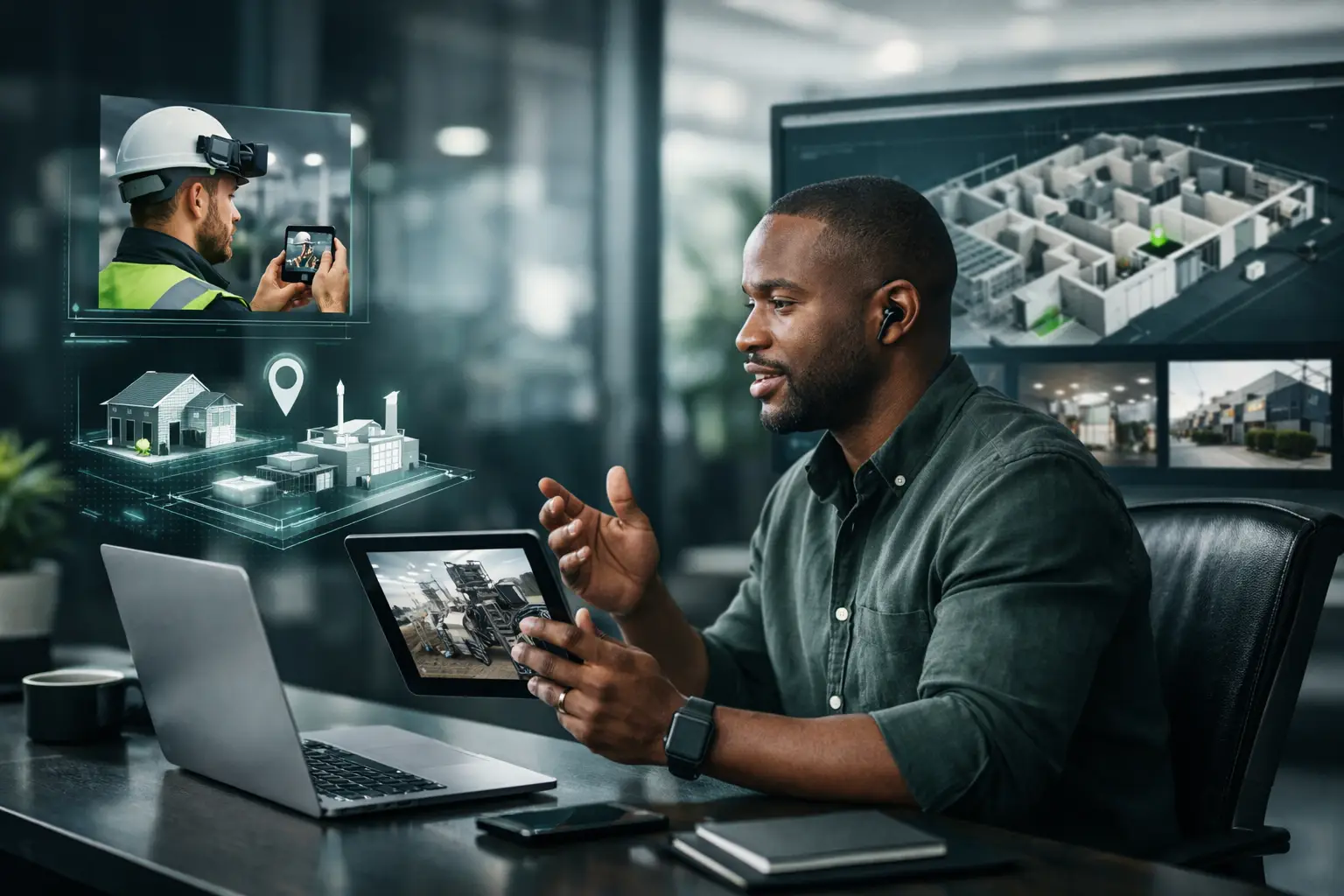
Immersive 3D walkthroughs and digital twins provide this persistent context. Stakeholders can move through a space remotely, understand the relationship between rooms or work zones, and return to points of interest without asking a site team to repeat the visit. High-resolution photography supports close visual review, while LiDAR-derived spatial data can add dimensional clarity for complex interiors, facilities, or construction environments.
Capture wide views first, then supporting close-ups where detail matters. A cracked wall, incomplete ceiling installation, corroded pipe, or misaligned door is more credible when reviewers can see exactly where it sits within the wider environment. Use timestamps, location references, and clear labels to avoid ambiguity.
3. Hold a Live Review When Questions Need Immediate Answers
Some inspections require real-time interaction. A project manager may need to ask the operator to inspect a particular elevation. An overseas investor may want to compare a unit finish with a specification. A maintenance lead may need a technician to open a panel or demonstrate equipment operation.
Live guided 3D calls are particularly effective when the discussion needs both visual context and a durable spatial reference. The guide can move participants through the digital environment, focus on an issue, and record agreed actions against a recognizable location.
Live review should not replace structured capture. It should build on it. When the walkthrough is already documented, the meeting can focus on exceptions, clarifications, and decisions instead of spending valuable time orienting participants around the site.
4. Turn Observations Into Assigned Actions
An inspection only becomes operational when observations lead to accountable next steps. After the review, record each finding with its location, supporting imagery or 3D viewpoint, description, priority, responsible party, and due date.
Avoid vague notes such as “check finishing” or “review equipment.” State what was observed and what response is required: “Water staining visible on ceiling finish above reception desk; facilities team to investigate source and provide corrective-action evidence by Friday.” Clear language reduces disputes and makes follow-up inspections faster.
For construction and infrastructure work, connect findings to the relevant milestone, zone, contractor package, or schedule item. For operational facilities, connect them to the asset identifier or maintenance category. The documentation should fit the way the organization already manages accountability.
Choose the Right Level of Technology
Not every site needs the same inspection method. A small retail unit may only require a guided visual review and a set of high-resolution photographs. A multi-floor hotel, industrial plant, dealership network, public facility, or active construction project often benefits from an immersive 3D model with repeat captures over time.
The trade-off is straightforward. Faster, lower-cost capture can answer simple questions, but it may not provide the precision or revisiting capability required for high-stakes decisions. More comprehensive digital documentation takes greater planning, yet it can reduce repeat site visits, improve stakeholder alignment, and preserve evidence long after personnel or site conditions change.
For dispersed portfolios, standardization is usually more valuable than a one-off technical showcase. Use the same capture specifications, naming conventions, inspection zones, and reporting format across locations. This allows executives and program teams to compare assets consistently, even when they are reviewing sites in different countries.
Design for African Operating Conditions and Global Reviewers
Remote inspection programs often bridge real operating environments and remote decision-makers. Network limitations, travel constraints, weather, active worksites, varying site readiness, and security requirements all affect what can be captured and when.
Plan around these conditions rather than treating them as exceptions. Schedule capture at times with adequate light and safe access. Confirm power and connectivity options for live sessions. Build contingencies for rain, restricted zones, or delayed contractor access. If a live connection is unreliable, prioritize a high-quality documented capture that can be securely uploaded and reviewed later.
At the same time, make the output intelligible to stakeholders who may never visit the site. Use plain labels, clear navigation, professional imagery, and reporting that explains what is being shown. An international investor does not need local jargon. A regulator or funder does not need a marketing presentation. Both need credible visual evidence tied to the question they must answer.
Protect the Value of the Record Over Time
A remote inspection should not disappear into a chat thread or a folder of unlabeled files. Store it as part of a structured digital archive, with controlled access, clear ownership, and a retention period aligned with the project or asset lifecycle.
For progress monitoring, preserve each milestone as a separate dated record. For facility documentation, update the model after major renovations, equipment changes, or handovers. For properties being marketed or sold, distinguish clearly between current condition imagery, staged visuals, and proposed design concepts.
IMMOBITRON approaches this work as spatial intelligence rather than a virtual-tour exercise. The goal is to give stakeholders a practical digital environment for review, reporting, communication, and evidence-based decisions.
A well-run remote inspection does not attempt to eliminate every physical site visit. It ensures that when people do travel, they do so for the questions that truly require their presence, with a clearer understanding of what they will find and what decision is waiting for them.