
A facility record is only useful if people can find it, trust it, and understand what it shows without traveling to the site. That is why the best tools for facility documentation do more than store files. They connect spatial evidence, asset data, maintenance history, drawings, and project updates into records that support faster decisions.
For property owners, construction managers, hotel operators, dealerships, and public institutions, documentation is not an administrative afterthought. It is the baseline for inspections, handovers, maintenance planning, remote stakeholder reviews, insurance claims, capital planning, and credible reporting. The right toolset depends on the facility, the users, and the consequences of missing information.
What Facility Documentation Needs to Accomplish
A credible documentation system should answer practical questions quickly: What is on site? Where is it located? What condition was it in at a given date? Which documents apply to it? Who reviewed or updated the record?
For a single office or retail location, a structured photo record and equipment register may be sufficient. A large industrial site, hospital, hotel portfolio, road corridor, or development program requires more. Teams need version control, location context, secure access, and a way to compare conditions over time.
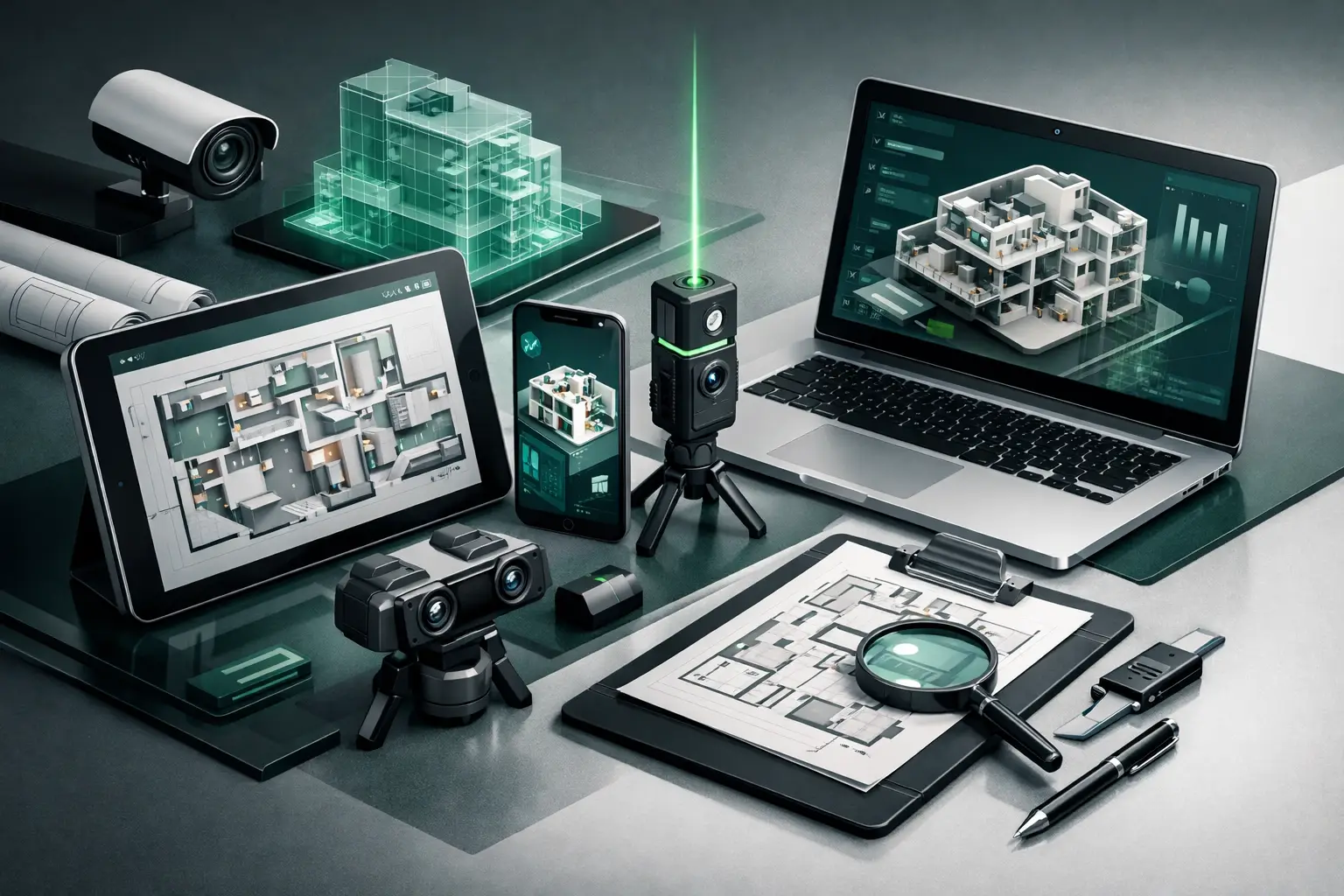
The strongest approach is usually a connected stack rather than one platform expected to solve every problem. A digital twin can show a remote stakeholder where an asset sits. A computerized maintenance management system can track service tasks. A common data environment can govern drawings and approvals. Together, they create evidence that is more useful than a folder of disconnected PDFs and photographs.
Best Tools for Facility Documentation by Function
1. 3D capture and digital twin platforms
A 3D digital twin is often the most practical starting point when a facility is difficult to inspect remotely. It creates an immersive, navigable record of spaces, with panoramic views, floor plan context, measurement capability, and the option to attach notes, documents, or interactive hotspots.
This tool is particularly valuable for commercial properties, hospitality venues, showrooms, cultural sites, construction projects, and distributed infrastructure. An investor can review a building from another country. A facilities manager can orient a contractor before a visit. A funder can see documented progress rather than rely only on written updates.
Not all 3D capture is equal. Basic 360-degree photography can be appropriate for fast marketing or a simple condition record, but it may not provide reliable dimensions or a detailed spatial model. LiDAR-enabled capture is a better fit where measurement accuracy, geometry, floor plans, and long-term asset intelligence matter. The trade-off is a higher level of capture planning and processing.
2. LiDAR scanners and mobile reality-capture equipment
LiDAR tools use laser measurements to map the geometry of a space or site. They are useful when teams need accurate existing-condition records before renovation, handover, retrofit work, or dispute resolution. Depending on the equipment and workflow, outputs can support point clouds, measured floor plans, 3D models, and comparisons between planned and installed conditions.
For construction and infrastructure teams, LiDAR can reduce uncertainty around hard-to-revisit areas, concealed services before closure, and complex mechanical rooms. It also creates a stronger baseline before demolition or refurbishment begins.
Handheld devices can make capture faster and more accessible, especially for routine interior documentation. Terrestrial laser scanners generally provide greater precision for larger, more technical, or more sensitive environments. The right choice depends on the required accuracy, the size of the site, and whether the record will support design, operations, legal evidence, or public reporting.
3. CMMS and asset management platforms
A computerized maintenance management system, commonly called a CMMS, is the operational engine of facility documentation. It organizes asset registers, preventive maintenance schedules, work orders, technician notes, warranties, inspection histories, and spare-parts information.
A digital twin can show that an air-handling unit is above a particular corridor. The CMMS identifies its asset number, service interval, last inspection date, fault history, and assigned technician. This connection between spatial context and maintenance data is where facility documentation becomes actionable.
For organizations managing multiple sites, select a CMMS that supports consistent asset naming, role-based access, mobile updates, audit trails, and exportable reports. Offline capability also deserves attention where site connectivity is inconsistent. A feature-rich system that field teams cannot update reliably will quickly become an outdated database.
4. BIM and common data environments
Building information modeling, or BIM, is most useful when a facility has detailed design and construction information that must remain available after handover. A BIM model can contain specifications, dimensions, component data, installation details, and relationships between systems.
A common data environment provides controlled storage and workflows for drawings, models, requests for information, approvals, revisions, and other project records. It is especially useful during construction, where multiple consultants, contractors, and client representatives need to work from approved information.
BIM should not be treated as a substitute for an existing-condition capture. A model may show what was designed, while site documentation records what was actually installed and what the facility looked like at a specific point in time. For handover and long-term operations, the two records should be reconciled rather than assumed to match.
5. Field inspection and issue-tracking apps
Inspection tools help teams standardize walk-throughs, report defects, assign corrective actions, and maintain a time-stamped audit trail. They are useful for safety checks, quality assurance, room inspections, equipment audits, snag lists, and compliance reviews.
The best field apps allow users to attach photographs, comments, locations, due dates, and responsible parties to each issue. For a construction project, that makes it easier to demonstrate whether observations were resolved. For an operating facility, it turns recurring inspection routines into comparable records rather than isolated reports.
Templates matter here. A hotel room inspection needs different prompts from a fire-safety inspection or a dealership showroom audit. Build templates around real operating requirements, but avoid overloading them with questions that teams will rush through or ignore.
6. Document management and secure cloud archives
Every facility produces contracts, warranties, operating manuals, as-built drawings, certificates, permits, inspection reports, and photographs. A secure cloud archive keeps these records searchable, permissioned, and protected from the loss that often follows staff changes or local-device failures.
The practical requirement is not simply storage capacity. Teams need a clear folder and naming structure, metadata, document versioning, retention rules, and access controls. Sensitive facilities may also require data residency considerations, restricted sharing, and formal approval workflows.
A simple rule helps: documents should be organized around how people work. A maintenance supervisor may search by asset or room. A project manager may search by milestone or contractor package. An institutional stakeholder may need records grouped by site, funding period, or reporting requirement.
How to Build the Right Documentation Stack
Start with the decisions your records must support. If your main challenge is remote access for investors, tenants, partners, or executives, prioritize an immersive 3D walkthrough with accurate spatial context. If maintenance costs and equipment downtime are the concern, establish a clean asset register and CMMS workflow first. If you are approaching construction handover, combine verified site capture, as-built documentation, and controlled document archives.
Then define a baseline. Capture the facility at a known date, label major assets consistently, and assign one owner for data standards. Without a baseline, progress monitoring and condition comparisons become subjective. With one, teams can document change, verify milestones, and identify missing information before it becomes a handover problem.
Integration should be purposeful. Linking every platform can create complexity without improving the work. Focus on the connections that remove repeat effort, such as linking a CMMS asset ID to a 3D hotspot, attaching approved manuals to equipment records, or embedding inspection issues within a documented location.
For multi-site portfolios and complex institutional projects, professional capture and documentation services can accelerate this foundation. IMMOBITRON combines LiDAR-informed spatial capture, interactive digital twins, visual reporting, and structured documentation to create stakeholder-ready records across African operating environments.
A Better Record Creates Better Access
The best facility documentation tools are the ones your team can keep current and your stakeholders can use with confidence. Choose technology based on the level of evidence required, not on the longest feature list. When a facility can be inspected, understood, and discussed remotely through credible records, distance stops being a barrier to responsible management.